Physical Materials
In Ninja Combat, weapons and projectiles can react differently, depending on the surface that they hit. Configuring these reactions will be covered in the Weapon Actor configuration page but before that, we should configure all Physical Materials used in the project.
You can find more information about Physical Surfaces and Materials in the official Unreal Engine documentation
Physical Surfaces
Physical Surfaces are used to identify unique Physical Materials.
Creating Physical Surfaces
Open the Physical Surface list, located in Edit → Project Settings → Physics.
In the Physical Surface section, add all entries required by your project.
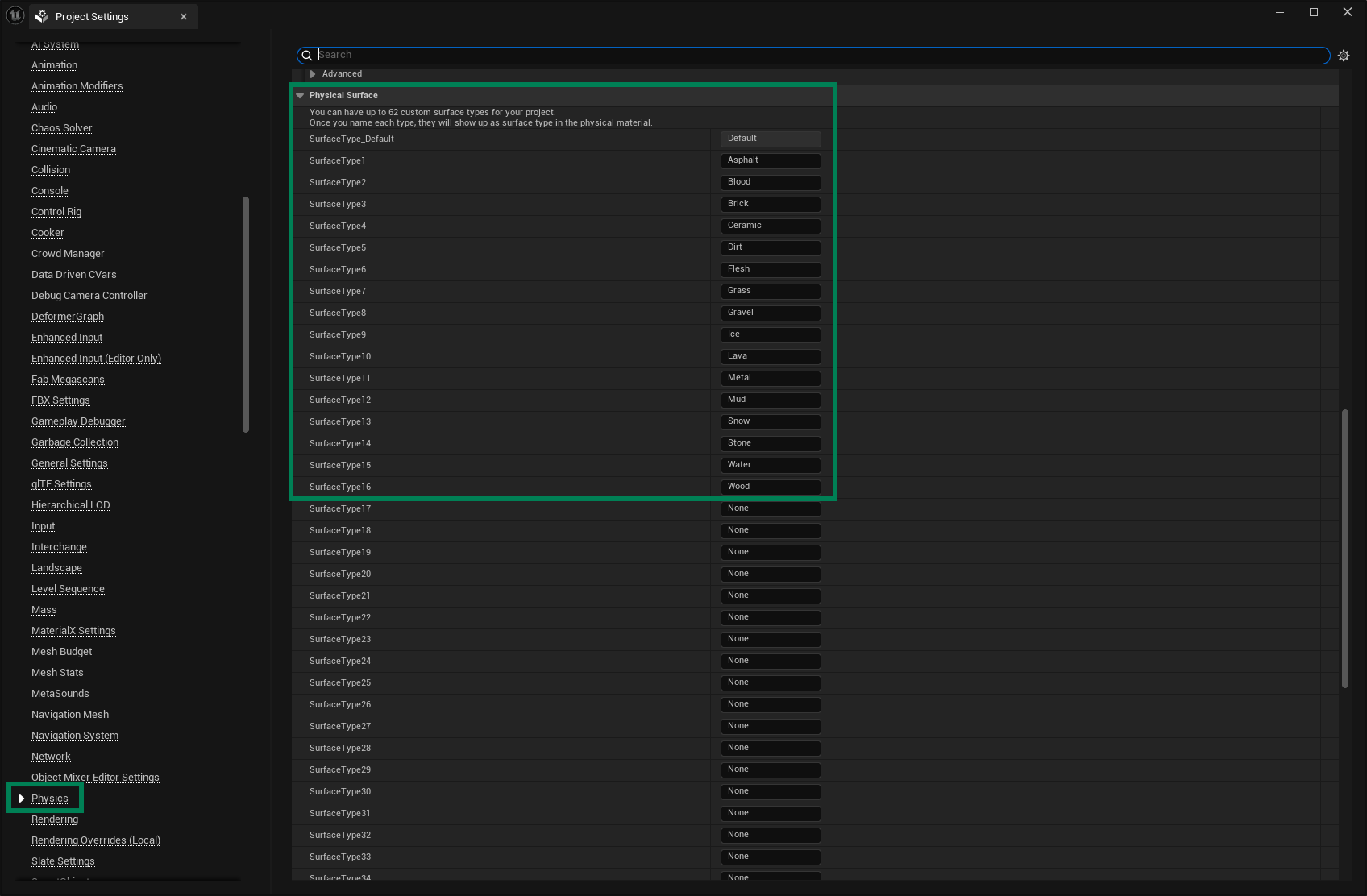
Alternatively, you can add the surfaces above as a starting point, by adding the following lines to the DefaultEngine.ini file, located in the project's Config folder. Make sure to add them under the [/Script/Engine.PhysicsSettings] section.
C++ Physical Surfaces
It might be useful to have access to your Physical Surfaces in C++. To do so, you can create a simple header file (.h), with the following contents. They are matching the sample above, so make sure to adjust this example to your needs.
Physical Materials
Once your Physical Surfaces are configured, you can create Physical Materials.
Creating Physical Materials
Create a new Physical Material from the Content Browser. They are in the Physics category.
In your Physical Material set the Physical Surface that correctly matches it.
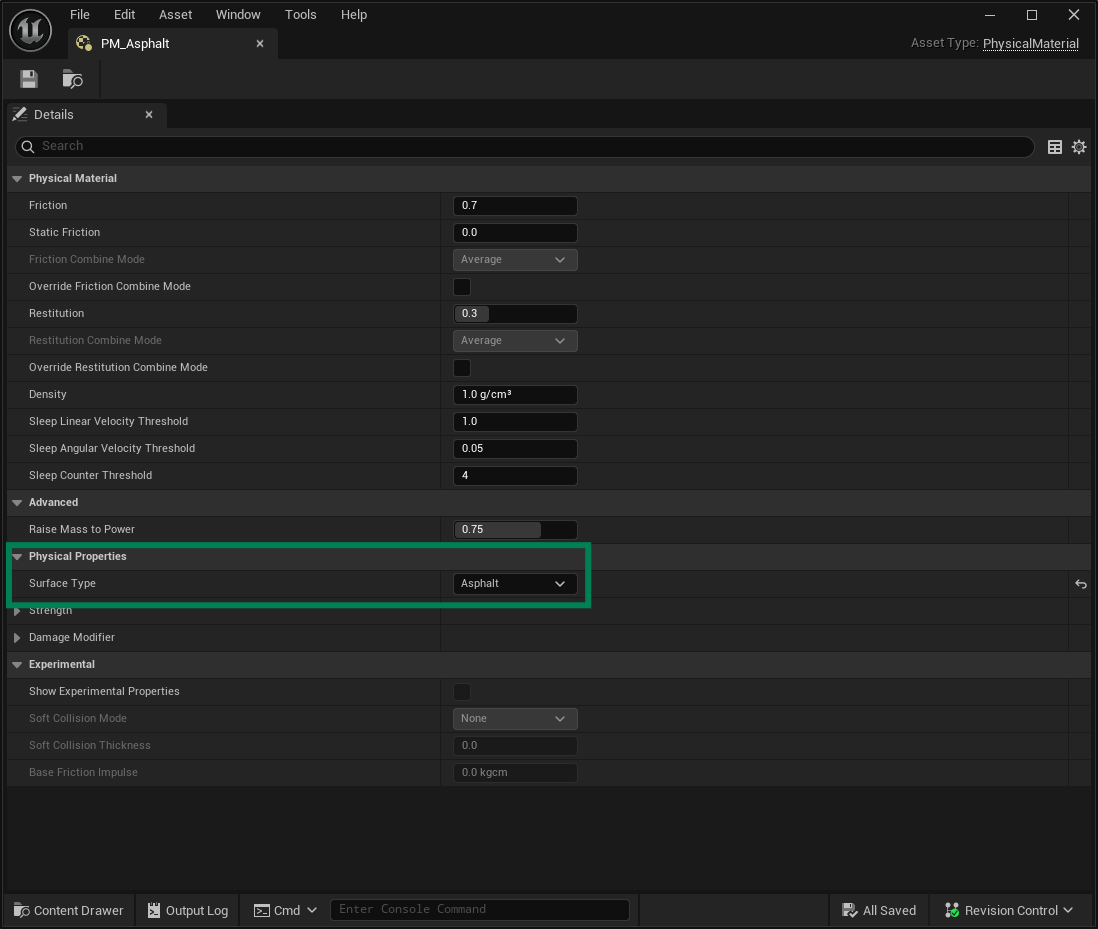
Repeat these steps for all Physical Surfaces in your project.
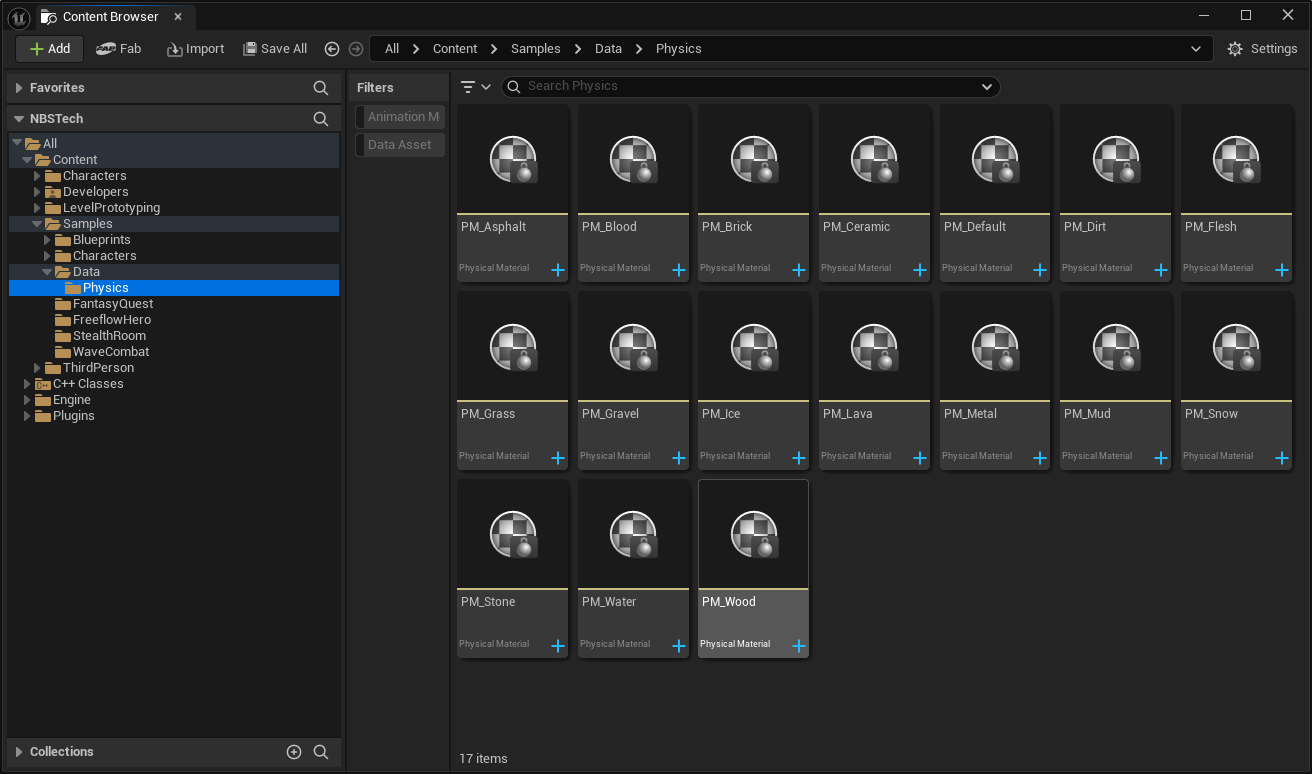
You can assign these Physical Materials in a few different ways:
Source | Assignment |
|---|---|
Skeletal Meshes | In each collider in the Physics Asset, or in the PhysMat Override in the Skeletal Mesh Component settings. |
Static Meshes | In the Collision Settings for the asset, or in the PhysMat Override in the Static Mesh Component settings. |
Pawns or Characters | Either in their Skeletal/Static meshes, or dedicated Collision Components attached to bones in the Skeleton. |